
In short
- An AI skincare simulation reads a product's ingredients and claims, compares them with your skin profile, and renders a realistic preview of how your skin could change over time.
- A good simulation is conservative: it only changes the concerns the product actually targets, and shows less change when the evidence for an ingredient is weak.
- It is a decision aid, not a promise. Use it to compare products, set realistic expectations and decide what to try, not to diagnose a condition.
- Most visible changes from skincare take 4 to 12 weeks, which is why a Day 0 to Day 90 timeline is more honest than a single 'after' picture.
Choosing a skincare product has always involved a leap of faith. You read the claims, look at a few before-and-after photos of someone else’s skin, buy the bottle and wait. Six weeks later you are still not sure whether it is working, whether you should give it longer, or whether a different product would have been better.
AI skincare simulation changes the order of those steps. Instead of buying first and finding out later, you preview how a product could affect skin like yours, over a realistic timeline, before you spend money or time on it. This guide explains how that works under the hood, what a simulation can and cannot tell you, and how to get the most out of one.
What is an AI skincare simulation?
An AI skincare simulation is a visual forecast. It takes three inputs:
- Your skin profile: your skin type, your concerns (for example dark spots, enlarged pores, dullness or breakouts) and anything relevant you share, such as sensitivity.
- The product: its ingredient list, its claims, its category (serum, moisturizer, sunscreen, exfoliant) and its directions for use.
- Time: the number of days you would use it, typically from Day 0 to Day 90.
From those inputs it produces a series of realistic images of a face at different points in the journey, along with a written explanation of what is changing and why. In Neem, you see Day 0 and Day 90 for free, and Day 30 and Day 60 with Neem Plus.


The important word is preview. A simulation does not claim to know exactly what your skin will look like. It shows what a product with this formula could reasonably do for these concerns, if used as directed.
How the simulation works, step by step
Here is the whole journey in Neem at a glance, from choosing a face to following the routine. The sections below look at what the AI does at each stage.
1. Understanding the product
Everything starts with the label. When you scan a product, the AI reads the front of the pack and the ingredient list, which in most countries follows the INCI naming system (International Nomenclature of Cosmetic Ingredients). Ingredients are listed in descending order of concentration down to 1%, so position matters: niacinamide in third place means something very different from niacinamide after the fragrance.
The model identifies the active ingredients (the ones with a documented effect on skin, such as niacinamide, retinol, ascorbic acid, salicylic acid or azelaic acid), estimates their likely strength from their position and the product’s claims, and notes supporting ingredients like humectants, emollients and barrier lipids. If you want to do this yourself, our guide to reading a skincare ingredient label walks through it.
2. Matching the product to your skin
Next, the AI compares what the product does with what your skin needs. A brightening serum with vitamin C and tranexamic acid is relevant to dark spots and dullness, much less so to dehydration. A gentle ceramide moisturizer is highly relevant to a compromised barrier but will not fade pigmentation.
This step produces a relevance judgment, concern by concern. It is also where a good system says no: if the product does not target your concerns, the honest answer is that you should not expect visible change in them.
3. Grounding the change in evidence
Each active ingredient has a body of research behind it, of varying strength. Retinoids for fine lines and acne have decades of clinical data. Niacinamide has solid evidence for oil control, redness and uneven tone. Many botanical extracts have only lab studies or small trials.
A responsible simulation scales the visible change to that evidence. Strong evidence and a meaningful concentration can justify a noticeable improvement by Day 90. Weak evidence, or an active listed near the end of the ingredients, should produce a subtle change or none at all. This is the single most important difference between a simulation and an advertisement.
4. Rendering the timeline
Finally, an image model renders the face at each checkpoint. The changes are applied only to the targeted concerns, so the face’s identity, lighting and expression stay the same and you can compare like with like. That is why the Day 0 and Day 90 images line up pixel for pixel in the slider above.
What a simulation can tell you
Used well, a simulation helps with decisions that are otherwise guesswork:
- Is this product even for me? If a product does not address your concerns, you find out before buying it.
- Which of two products is the better fit? Simulate both and compare the relevance and the Day 90 preview side by side.
- How long should I give it? Seeing that the bulk of the change arrives between Day 30 and Day 90 makes it easier to stay consistent.
- What should I realistically expect? A conservative preview resets expectations that marketing photos often inflate.
What a simulation cannot tell you
It is just as important to know the limits:
- It is not a diagnosis. A simulation cannot tell acne from rosacea, or melasma from post-inflammatory hyperpigmentation. Those distinctions matter for treatment, and they need a professional.
- It cannot predict reactions. Allergies and irritation depend on the individual. Always patch test a new product first.
- It assumes consistent use. Skipping days, over-exfoliating or skipping sunscreen can undo progress, especially for pigmentation.
- It cannot see the formula’s quality. Two products with the same ingredient list can differ in pH, stability and packaging, which affects results.
Why Neem uses AI face models instead of your selfie
Many skin apps ask for a close-up selfie. Neem takes a different approach: you choose one of 18 realistic AI face models across a wide range of skin tones and describe your own skin in words. The simulation is applied to that model.
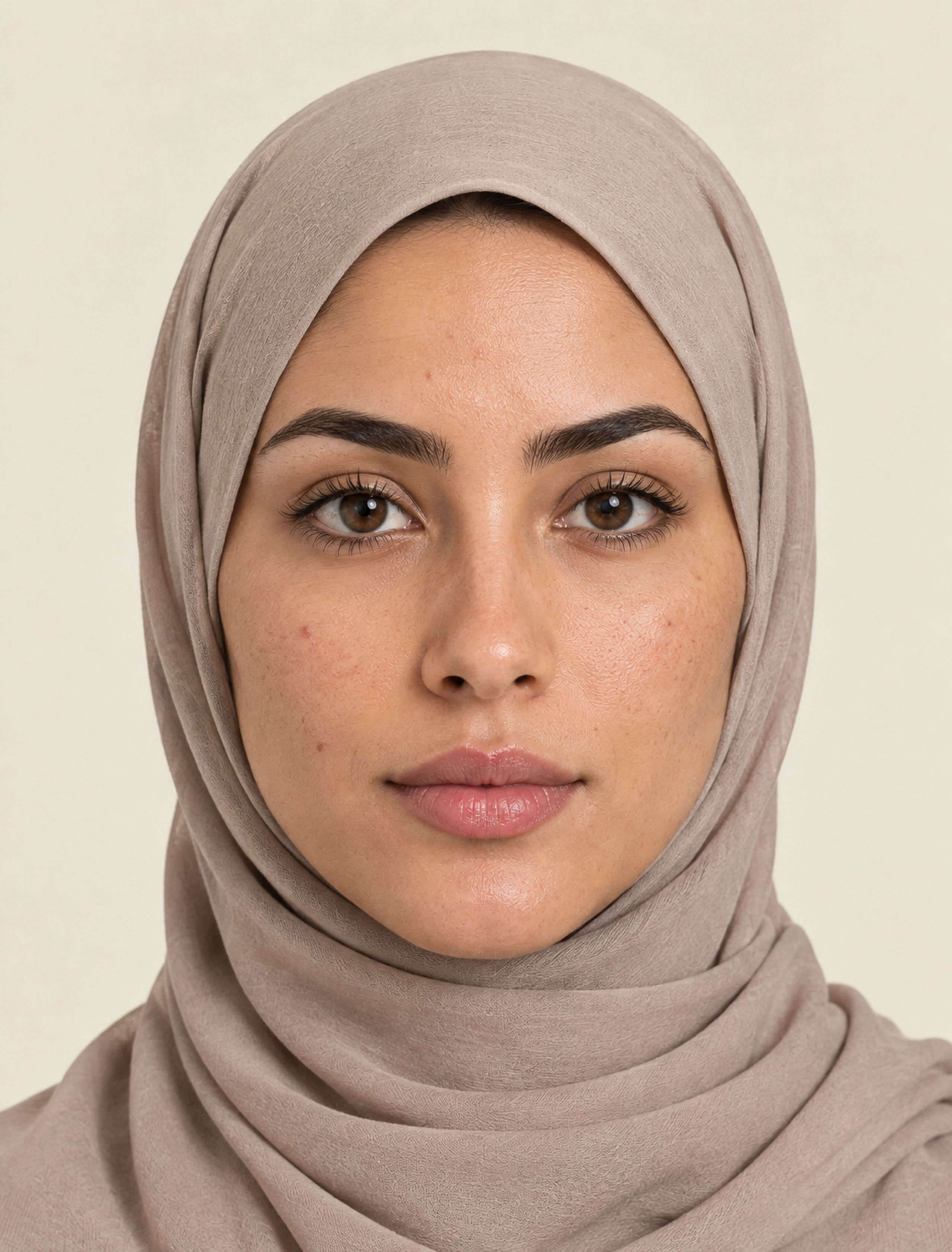


This has two benefits. Your face never leaves your phone because it is never captured, and the simulation stays focused on the product’s effect rather than on the lighting of a bathroom mirror. We explain the reasoning in detail in why AI face models make skincare apps more private.
How to get the most accurate preview
- Describe your skin precisely. “Small dark spots on my cheeks left after breakouts” is far more useful than “uneven skin”.
- Scan the ingredient list, not just the front. The back label is where the evidence is.
- Simulate one product at a time. Then think about how it fits into your routine and what it should not be combined with (see ingredients you shouldn’t mix).
- Compare before you commit. If you are choosing between two serums, simulate both.
- Follow up in real life. Take your own photos in the same light every two weeks and compare them with the timeline.
The bottom line
An AI skincare simulation will not make a product work better than it does. What it does is move the most uncertain part of skincare, the waiting and wondering, to before you buy. Grounded in the label, honest about evidence and shown over a realistic 90-day timeline, it turns “I hope this works” into an informed decision.
If you want to try it, Neem’s first simulation is free: pick a face, describe your skin, scan a product and see Day 0 and Day 90.
Frequently asked questions
Is an AI skincare simulation accurate?
It is an informed estimate, not a measurement. A careful simulation is grounded in the product's ingredients, their typical concentrations and published evidence, and in the skin concerns you describe. Real results depend on your genes, your consistency, your environment and the rest of your routine, so treat the preview as a realistic range rather than a guarantee.
Do I need to upload a photo of my face?
Not with Neem. You pick one of 18 realistic AI face models, from fair to deep skin, and describe your skin in your own words. The simulation is shown on that model, so no photo of you is ever needed.
Can a simulation replace a dermatologist?
No. A simulation shows cosmetic changes a product could make. It can't diagnose acne grades, rosacea, melasma, eczema or anything medical. If a concern is painful, spreading, sudden or not improving, see a dermatologist.
Why does the simulation stop at 90 days?
Ninety days covers roughly three cycles of skin renewal for most adults and is the window in which most cosmetic ingredients show what they can do. Studies on niacinamide, retinoids and vitamin C commonly measure results at 8 to 12 weeks.
This article is for general information only and is not medical advice. Skin is individual: for a skin condition, a reaction or anything that worries you, please see a dermatologist or doctor.